Hello Friends!
Seagate drives are very popular, but they also have a lot of issues in their FW. In this article we will show you how to resolve one such issue: a strange SenseCode = 87270000 error, and get a full data access.
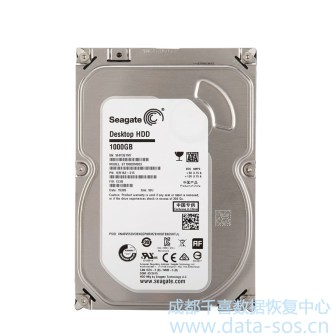
We have a Seagate ST1000DM003 1 Tb HDD with no ID and data access but with Service Area access thanks to the PC-3000 terminal adapter.
Firstly you have to make a backup (do not ever forget that). Save Vol. 0x03 File ID 0x0028, 0x0035 and 0x0346 system files manually with the terminal. Later you’ll see why that’s very important.
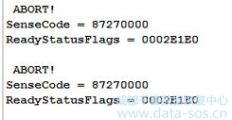
All system files are good and SA tests run smooth, even the HDD ID editing is available. But as soon as you try to get the full ID, you get the ERR ABR LEDs turning red, and the following ?error in the terminal window:
?
?
?
?
Each test you run ends up with the same ABR error in the main log:

?
?
The translator regeneration command in the terminal ends without any errors, but that doesn’t help anything:
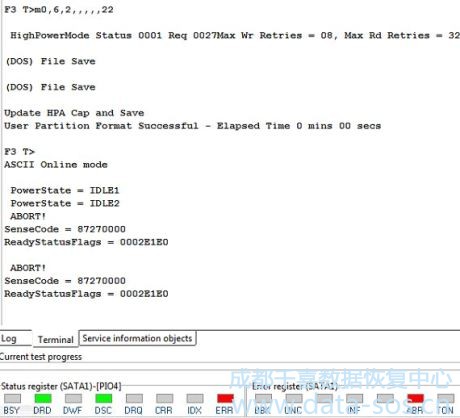
All this behavior clearly tells you that you are up against this strange?SenseCode = 87270000?error. To overcome it you have to read the CFW overlay 20D using the?Work with Flash ROM image file?menu. Pay attention to the address parameters: Volume 0x00, File ID 0x020D, copy 0x00
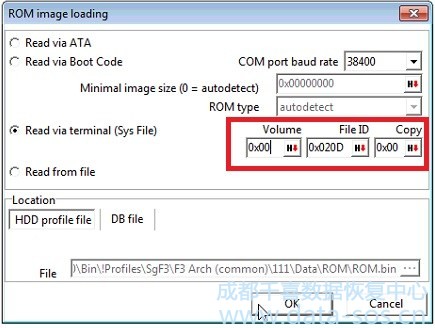
Don’t forget to save the 20D sysfile in the profile folder when the reading ends.
Now open the right tool tab and perform the?SenseCode = 87270000?command:
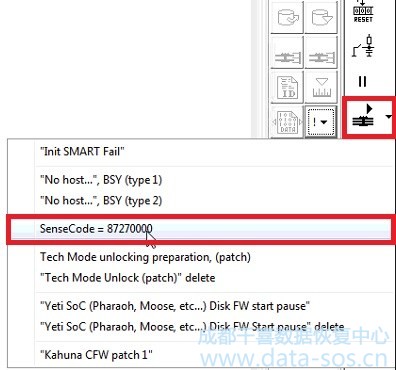
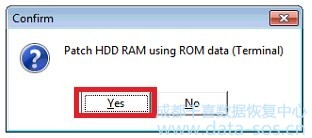
and make the changes in the HDD RAM using ROM data, confirming it in the next tab:
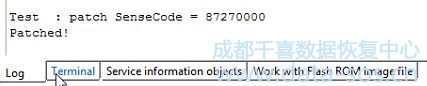
and see the message in the log about success:
Next,? go to the HDD ID to refresh it, and see the full ID:
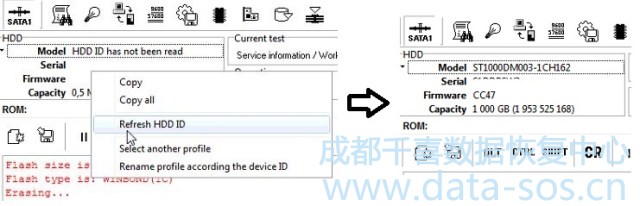
Check the sector access and it’s availability
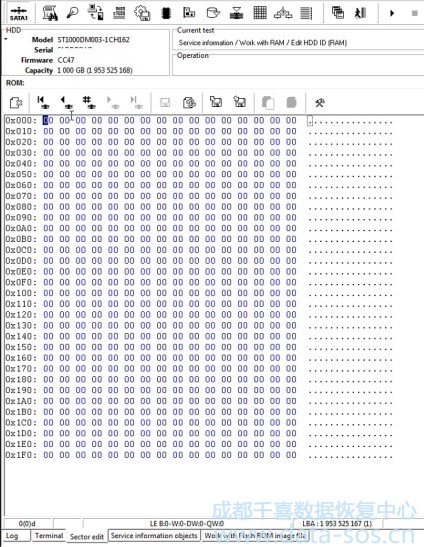
That’s all. Remember: if you repower the drive, RAM data will be lost and you’ll have to repeat the above patching procedure to get the data access. Pay attention to the?Hard Reset?and?Power off?options in the Data Extractor settings: disable the appropriate checkboxes before the reading starts.
轉(zhuǎn)載請注明:成都千喜數(shù)據(jù)恢復(fù)中心 » 使用PC-3000 HDD修復(fù)Seagate F3硬盤終端出現(xiàn)SenseCode = 87270000 Error的數(shù)據(jù)恢復(fù)